Those of us who work with social media know it is not a simple task. Notifications, alerts and “beeps” add up in a digital environment designed to capture our attention. Here, some realities to keep in mind and 5 Tips for learning to improve the pace of our schedule.
How many times a day do we go into Facebook or open a new tab, and seconds later ask ourselves: what was I doing? What was I going to do? Beyond our attention span, there is no doubt a series of situations that combine to make us lose hundreds of minutes by the end of the day.
Facebook, Twitter, Instagram, Linkedin and Snapchat compete day after day to increase their users’ interactions. They have an army of advisors and analysts asking themselves what they should show us so that, at first glance, our head gets hooked on the “latest updates”.
Here is the case of Facebook, the social network with the most active users in the world, which confirmed a few days ago some of the strategies it uses to capture us. The formula of the new “News Feed” shows updates from family and friends first, and “interesting and entertaining information” second. The equation is more than successful.
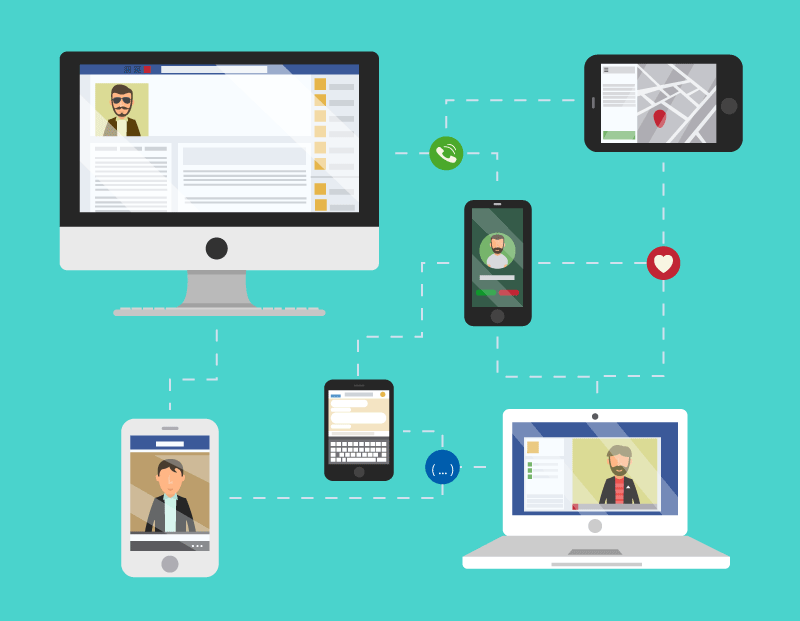
And that is not all; added to that is the constant stimulation of our anxiety. A notice appears on the computer indicating the arrival of a new email, the phone rings with notifications from a telegram, a whatsapp… Digital media call us all the time, and it is that curiosity to see everything, and instantly, that pulls us away from planned tasks.
Besides, the experts assure that faced with the constant pressure of getting through the long lists of pending work, our head unconsciously diverts attention to a pleasant environment. “Stopping thinking” with a single click is one of the easiest rewards, and for us, a double effort.
 Configuring device alerts is good practice. Smartphones let you set the phone to “priority” mode, for hours, or indefinitely, and we can do the same on the computer. Are email alerts necessary when we work with email all through the working day?
 Separate work spaces. Another good idea is to have two browser windows open, one where we work on the scheduled activities, and another with social media . The key is to concentrate with the fewest possible interruptions.
 If we do not answer an alert instantly, it is not the end of the world. Every job started must become a finished task, or progress. This is a good exercise for becoming aware of how many unnecessary interruptions we make. Per hour!
 Using external platforms to manage social media helps. Hootsuite, for example, lets you load columns where we see our “Likes”, mentions, what has been published, and so on. So we fix our attention only on that, which is in fact what should matter to us.
The Facebook business manager is a good tool too. Once we go into it, it separates us completely from our personal profile. From there you can go to the pages we manage, see advertising accounts, and so on. Personal notifications and our news feed stay far away.
 Headphones vs. interacting with the environment. The last piece of advice is more subjective. Our work “context” and our personality are what define whether it is useful to use some extras, like headphones, or more solitary places –when the option exists-. Music usually helps reduce anxiety and stress, which can help keep our head from escaping to social media.
Do you work with social media and none of what we discuss in this blog has ever happened to you? Do you have some other strategy? We are listening to your input.