
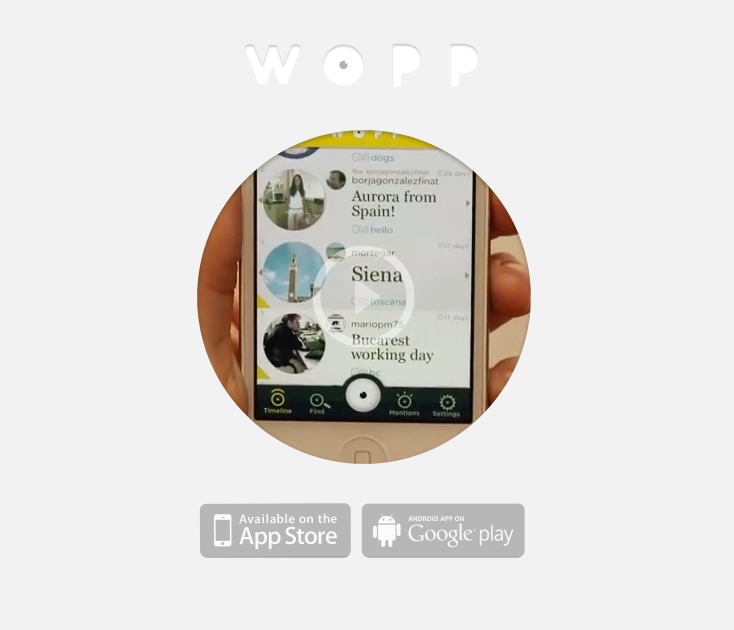
A videoblogging social network you can access through your Facebook or Twitter accounts or by creating a profile. It has no time limit and it categorizes the shared content by channels. The concept of the platform is similar to all of them: we can see the most commented and most featured videos, the most recent ones, have our own timeline and chat with other users.
Continuing along the lines of editing, this app lets you play with the colors and give an “artistic” touch to the moments of your life. The videos can last up to 15 seconds and you can easily apply music and visual effects to them. Some of the preinstalled effects are Vintage, Black and white or Crystal, with the possibility of acquiring more in the “market”. It also lets you edit the sound, mixing the ambience with the music or layering them. Creating your profile is simple through your Facebook or Twitter account or your email.
“Mobli lets users see the world through other people’s eyes”. It is a mobile application whose platform channels videos and photos shared in real time by all its users, something that is not very “new”. The content is loaded into themed channels, filtered by places or people through geolocation. They do not mention a time cap but “short” videos are recommended. One interesting detail is that it lets you send and receive messages and links like instant messaging services.
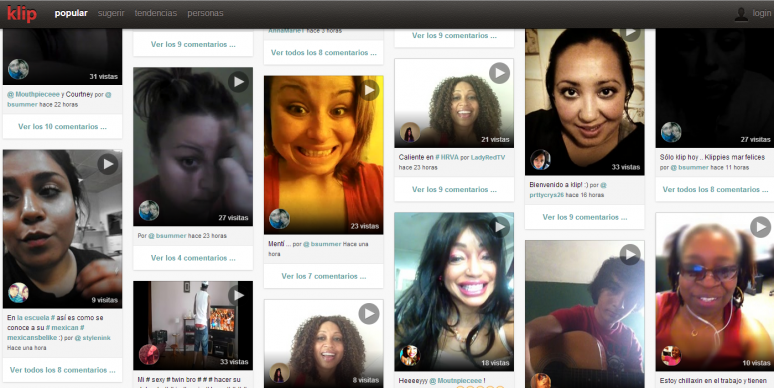
Klip is a network for shooting and sharing your videos of up to 1 minute long, or uploading the ones you like (made by others). There is a big gallery divided by “topics” created by all the users, where you are allowed to comment with emoticons and interact, and that is all, folks. You cannot create albums or retouch your videos, but it lets you save them and edit them with another app. They say that, unlike other services, it is full of comments to camera or confidences from its users; is it a matter of trying it out? At first glance, that is how it looks…
The shooting time this network allows is one of the shortest: your videos can last up to 4 seconds, but the positive thing is that you can edit them with a range of tools. Before sharing, you can preview what you recorded, apply masks and color filters, animate by areas, create effects and change the playback speed, among other things that enrich the final look.
7-second videos that can be edited, trimmed and filtered as we shoot. This application is only available for iSO. It lets you share the videos on Facebook, Twitter, Tumblr and by email. Short and sweet.
Or better known as “the network of the famous, because many of them share their “intimate” moments through it. The videos you shoot can last up to 36 seconds but they cannot be edited. Users’ status updates are called “keeks”. When interacting you can do “keekbacks” and share private messages, as well as embedding your videos in other networks or blogs. One curious thing is that it offers you free analytics tools.
Jun 24, 2013 | Wanda getting her third baby’s name tattooed by ZairaNara on Keek.com
A network widely used by news media to share the “minute by minute” (Wall Street Journal, ABC News and The Daily Beast, among others). The videos last a maximum of 15 seconds and the most updated categories are news, sports, politics and entertainment. The posts are open, they do not specify whether it has editing tools. s y The D
The great TV of the Internet, Youtube, also offers us a simple way to record and upload our videos. It has editing tools for correcting colors, stabilizing images, trimming and adding music tracks. From Capture, we can share the recording directly to our Youtube channel, as well as on Facebook, Twitter and Google+. The videos we upload to Capture can be public or private.
It is a video platform that lets you stream your videos live, as well as posting them pre-recorded like on the other networks. It is widely used to broadcast live events, share a moment in real time or promote launches. You can produce and stream using multiple cameras or simply the one on your phone, tablets or PC. The videos can be edited with a range of tools, in fact the app is a mini virtual TV studio that works for professionals and amateurs.
The first concert streamed live on Livestream is by Foo Fighters, in 2009, from Studio 606 in Los Angeles. The viewers, in turn, can also interact through the network, ask questions, comment, etc.
It recently launched Twitcam, a service that lets Twitter users stream live videos with their account.
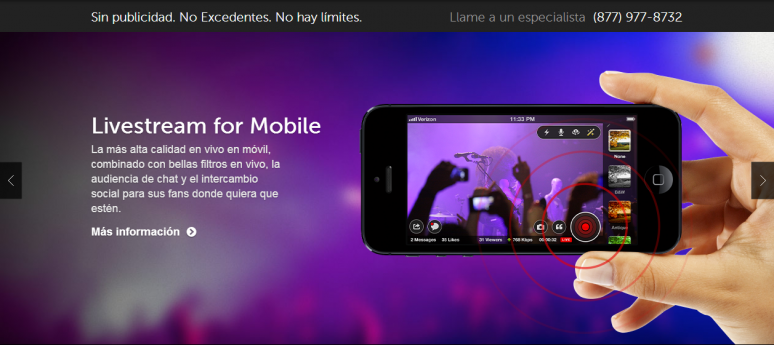
This is another option for making and sharing more live videos. It is simple, it needs no software installation and you can stream from mobile devices, tablets or others. You can interact with the audience through a chat or polls, follow the users’ channels and stream with no view limit.
A curious fact is that its founders, at the time of creating it, wanted to find a way for their friends in the army, deployed in Iraq, to be able to communicate with their families. However, army officials vetoed this initiative for security reasons. An interesting channel to follow is NASA’s: http://www.ustream.tv/nasahdtv
And to wrap up, how could we not recommend an app for creating your own animated GIFs? So much fun! They are easy, quick to make (they cannot have more than 60 photos) and simple to edit with any of the 19 available filters. When publishing them you can add a text and use hashtags. They can be shared on every network.
Did you like the piece? Share it! / Anything to add? Comment on it 🙂