

A few months ago Facebook introduced Canvas, an interesting format for making posts on company pages, designed exclusively for mobile phones. The tool allows you to combine text, images and videos, with buttons that “call to action”. Have you not tried it yet? We show you how to start using it.
Among the tools Facebook offers for making posts or ads for pages is Canvas, a more visual format compared with the ones we currently know (photo + text + link), but also with great potential for telling stories or showing products to Facebook Mobile users.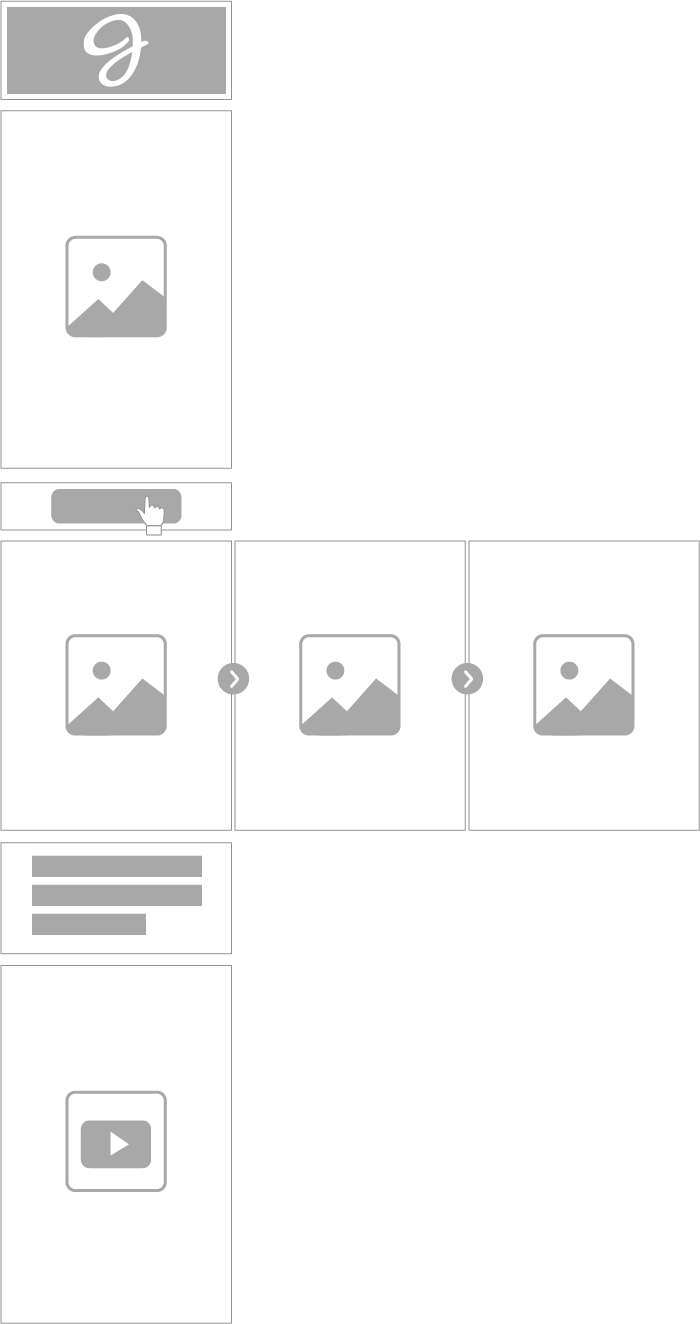
Canvas shows all the information in “one-page”, with a perfect adaptation in the mobile view. The “carrousel” image function, and video, make it possible to show the detail of the products without leaving Facebook.
On top of this, the tool allows you to link images and buttons with our website. The post shows complete information, but always accompanied by a “call to action”, so that, when the goal is to drive traffic to our site, or the user wants to know more, with one click they can jump to our site.
Here is a success example reported by Facebook, where the cost per click dropped by 50%, compared with the use of other kinds of ads, and the number of visits to the website increased 2.3%.
Posts 100% adapted to mobile!
Canvas is the first format designed exclusively for the mobile view, the content loads quickly, and without problems on both Android and iOS.
The tool allows you to select different “views” of the images we upload, among them, “Tilt to pan”, where the user can move the device to the left and right to see the parts of the image that fall outside the width of the screen.
How to start using Facebook Canvas
To create a Canvas, you can work with the “Canvas Builder” in Power Editor, the “publishing tools” section of your page, and the “page editor”, from a computer or from mobile.
For those who have no experience with the ads manager, the recommendation is to put the post together from the Fan Page, as we explain in our example Canvas.
Whereas if the goal is to advertise the Canvas, or to create a more complex variant, such as publishing a product catalog, you will necessarily have to use Power Editor. In any case, like the rest of Facebook’s tools, they have a very friendly interface. Here are some recommendations for creating ads with this tool.
Do you have experience using Canvas and want to show us your creative work? We are listening to your contributions.